
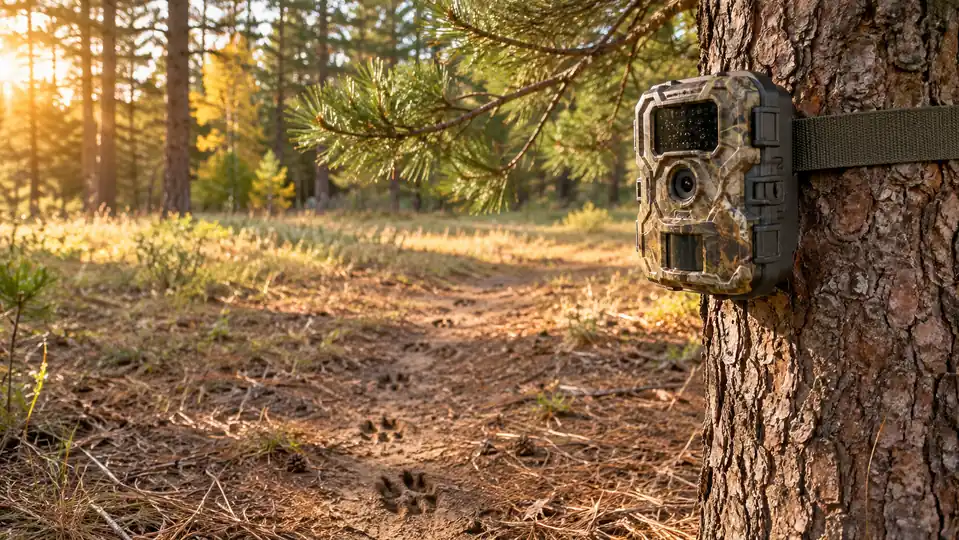
If you have ever walked a half mile into the woods to check a trail camera and come back to find the spot empty for two weeks, you already know the problem. The deer did not leave. They heard you coming, winded you at the card, and moved to the next ridge. I did that for years with two cheap SD-card cameras, and every time I pulled a card I was burning the very spot I was trying to scout.
In the summer of 2025 I finally quit doing that. I bought a Moultrie Edge 2 cellular trail camera, mounted it on the edge of the food plot on our lease, and let it do the walking for me. It sends photos and video straight to my phone, so the only time I set foot in that part of the woods is when I mean to hunt it. This is how I scouted whitetail with it all season, and what I would tell you before you spend your money.
Stop spooking the deer you are trying to pattern.
The Moultrie Edge 2 sends 36MP photos and 1080p video to your phone, so you can scout from the truck or the couch. See today's price on Amazon.
Amazon Check Today's Price on Amazon →Step 1: Pick the right spot before you mount anything
The camera is not the hard part. The spot is. I put mine on the edge of a food plot because that is where the does come first, and the bucks circle in behind them. You want a spot that gives you a clean look at a trail or a plot edge without the camera sitting right on top of the travel route. If a deer has to step around the camera to use the trail, it will notice it, and it will be gone.
I also thought about how I would get in and out. The whole reason I switched to a cellular camera was so I would not have to walk in to check it. If you mount it in a spot that forces you to cross the plot to reach it, you have brought back the same problem. Put it where you can check the photos from the truck or the road without bumping the deer.
Before you set anything, check your state's regulations. Some states have rules about cellular cameras during the season, and a few have restrictions on how close a camera can be to a feeder or a bait pile. I am not going to tell you what your state allows. Look it up, follow it, and if you are not sure, call the wildlife office. That is the kind of thing that keeps hunting legal for the rest of us.
Step 2: Mount it at the right height and angle
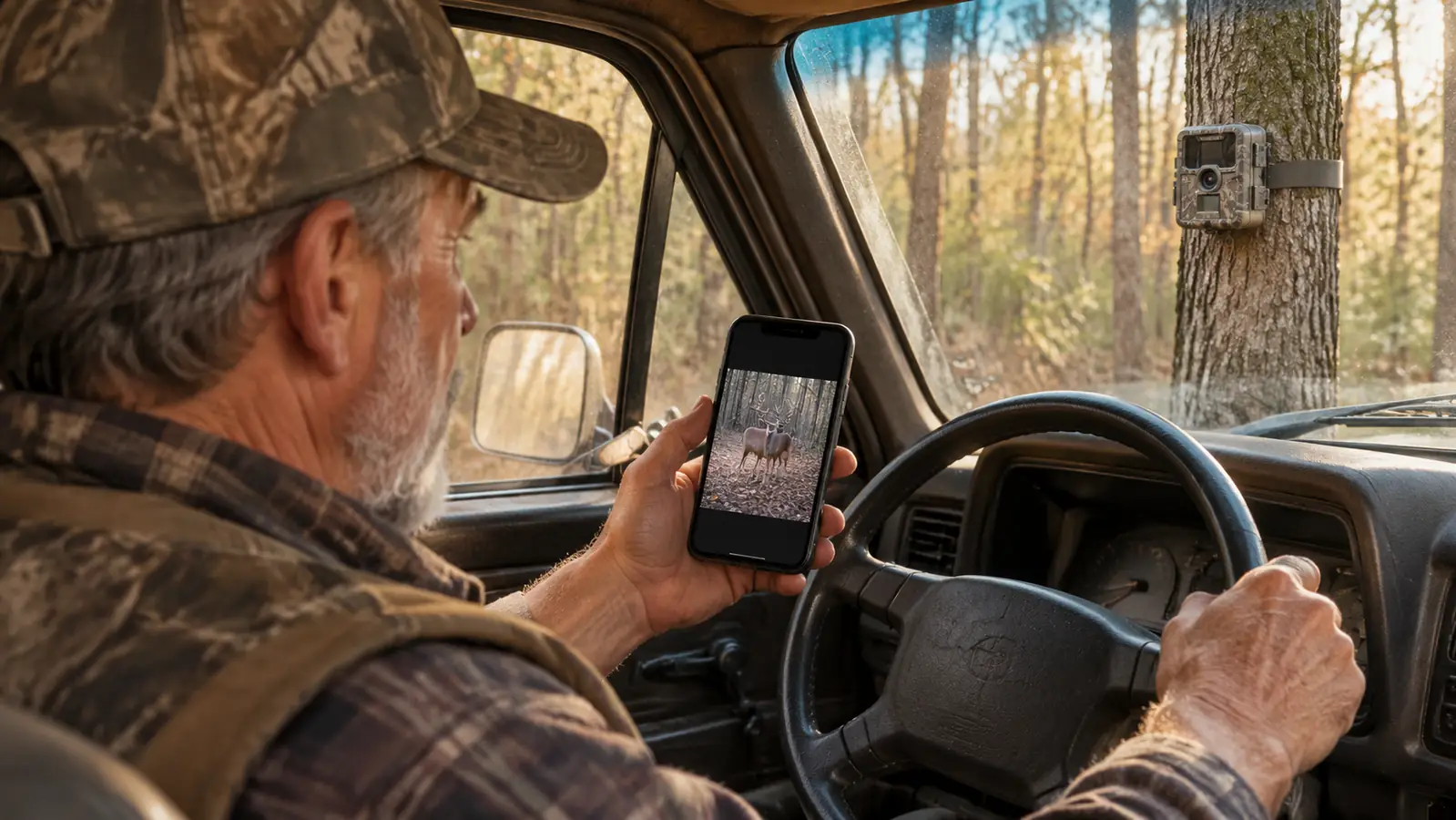
The Moultrie Edge 2 is a box-style camera that mounts to a tree, and it weighs about 1.1 pounds, so it is not a chore to hang. The tree mount held it steady through every storm we had over the 2025-26 season. I put mine at about chest height, angled slightly down toward the plot. That angle catches the deer's body, not just the top of its head, and it gives you a better look at antlers without zooming in on the sky.
Clear the lane before you hang it. I trimmed a couple of low branches that would have waved in the wind and set the camera off a hundred times a night. The motion sensor is what wakes it up, so anything moving in front of the lens will trigger it. A clear lane means the photos you get are deer, not grass.
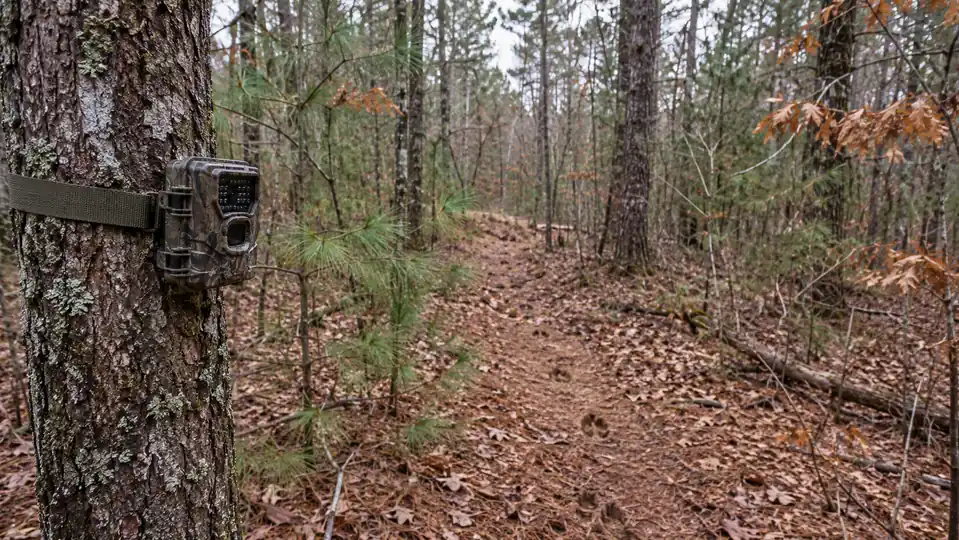
Point the camera so it is not staring straight into the sunrise or the sunset. The night vision will work better, and so will the photos, if you angle the camera north or south across the plot instead of straight into the low sun. And keep it off the trail itself. A camera on the edge of the trail catches the deer as they pass. A camera on the trail catches them standing there staring at it.
Step 3: Set it up through the Moultrie Mobile App
Setup took me longer to talk about than to do. The Edge 2 runs on the Moultrie Mobile App, and it uses Auto Connect to find the cellular network on its own. I put the batteries in, mounted it, and walked back to the truck. By the time I had the app open on my phone, the first test photo had already come through.
The camera shoots 36MP photos and 1080p HD video with audio, and the app is how I keep up with all of it. On a phone screen, that is plenty of detail to count points and read a deer's body language. Most of what it sent me was photos, and the video clips came through whenever something lingered in front of the sensor. I have pulled the photos up on my phone in the truck, on the laptop at the kitchen table, and on the desktop at home, and they all look the same.
The coverage is nationwide 4G LTE, so I did not have to think about whether my lease was in a dead zone. It just connected. And when I had a question, I called the support line and talked to somebody in the States, which is not something I can say about every piece of gear I own. I put it on a basic monthly data plan, no strings, and left it alone.
Step 4: Give it a week before you judge it
The first couple of days, the camera sent me pictures of nothing but an empty plot and one curious raccoon. That is normal. A new object on the edge of the woods is news to every deer in the area, and they will stand off and stare at it before they go back to their routine. If you judge a camera by the first two days, you will think it is broken.
Give it a week. By the second week, the deer had quit paying attention to the camera and went back to using the plot like it had always been there. That is the whole advantage over the old way. With an SD-card camera, every time I walked in to check it, I reset the clock. The deer would spook, leave for a few days, come back, and get used to it again, and then I would walk in and start the whole cycle over.
The Edge 2 sits in the same tree it has been in since late summer, and it has not been touched since. I changed the batteries once mid-season, and that was the only time I walked up on it. The deer do not know I have been watching them all season, and that is exactly the point. Cody asked me one Saturday if I missed pulling cards. I told him the only thing I missed was the walk, and I do not miss it enough to go back.
Step 5: Read the photos like a scout, not a fan
The camera saves you the walking, but it does not do the thinking for you. I looked for three things in the photos: what time the deer were moving, which direction they came from, and whether the same buck showed up more than once. A single photo of a big buck is a good day. Three photos of the same buck on the same trail at the same time of day is a plan.
I used that to decide when to hunt a stand and when to stay home. If the photos showed movement in the last hour of daylight, I hunted the evening. If they showed nothing but nighttime movement, I left the spot alone and hunted somewhere else. The camera turned my scouting from guesswork into something closer to a schedule.
One thing I do not do is hunt straight over the camera. The camera is a scout, not a lure. And I still follow the same rules I always have: blaze orange where the law requires it, a safety harness in every treestand, and I know my target and what is beyond it before I ever touch the trigger. A camera full of buck photos does not change any of that.
Why I Switched Off SD Cards for Good
The old cameras did not cost me money. They cost me hunting. Every card pull was a gamble that I could get in and out without the deer knowing I was there, and most of the time I lost that gamble. I would see a good buck on a card, go set up on him, and then wonder why he never showed. He showed. He just showed at night, after I had walked all over his bedroom to grab a piece of plastic.
The Edge 2 changed the math. The camera does the walking, and it does it at night, when I am asleep. I check the photos from the truck or the kitchen table, and the woods never know I was there. That is the whole difference between scouting a place and loving it to death.
What Else Helps
The cellular camera did the heavy lifting last season, but it was not the only thing that changed. I still carry a rangefinder to check the distances on the trails the camera showed me, and I still play the wind on the way in. I keep my entry and exit routes down to one path so the deer have a quiet corner of the lease they never see me in. The two SD-card cameras are still in the closet. I have not pulled a card since September, and I do not miss it. The camera tells me where to go. The rest of it is still hunting.
One more thing: do not let the camera make you lazy about the basics. The camera will tell you a buck is using a trail, but it will not tell you which way the wind will be blowing when you walk in. I still check the wind before I pick a stand, I still wear my safety harness every time I climb, and I still get in the woods early and sit still. The camera is a tool. You are still the hunter.
I walked that food plot edge with an SD card for three years. This season I watched the same plot from my phone and never set foot in it until I was ready to hunt.
If you are still pulling cards on a camera you have to walk to, I am not going to tell you to throw it away. But I will tell you this: last season was the first season in a long time that I scouted a food plot without ever bumping the deer off it, and the difference was not luck. It was a camera that does the walking for me. And if you are new to cellular cameras, the Moultrie Mobile App does the hand-holding. The camera connects itself, the photos show up on your phone, and you are back to hunting instead of messing with gear. That is worth something when you are 58 years old and the walk in is longer than it used to be.
Scout from the truck, not the treeline.
The Moultrie Edge 2 is the camera I trust on the edge of my food plot. It sends photos and video to your phone, so you can let the woods settle and hunt it when the time is right. See today's price on Amazon.
Amazon Check Today's Price on Amazon →